StorageScope
Understand your storage at a glance. Analyze accessible files and folders, visualize where space is going, and find duplicates, large files and empty folders.
Current app version: 2.7.2
Visual Storage Intelligence
Explore StorageScope's clean, intuitive screens — from color-coded treemaps to deep duplicate scanners.
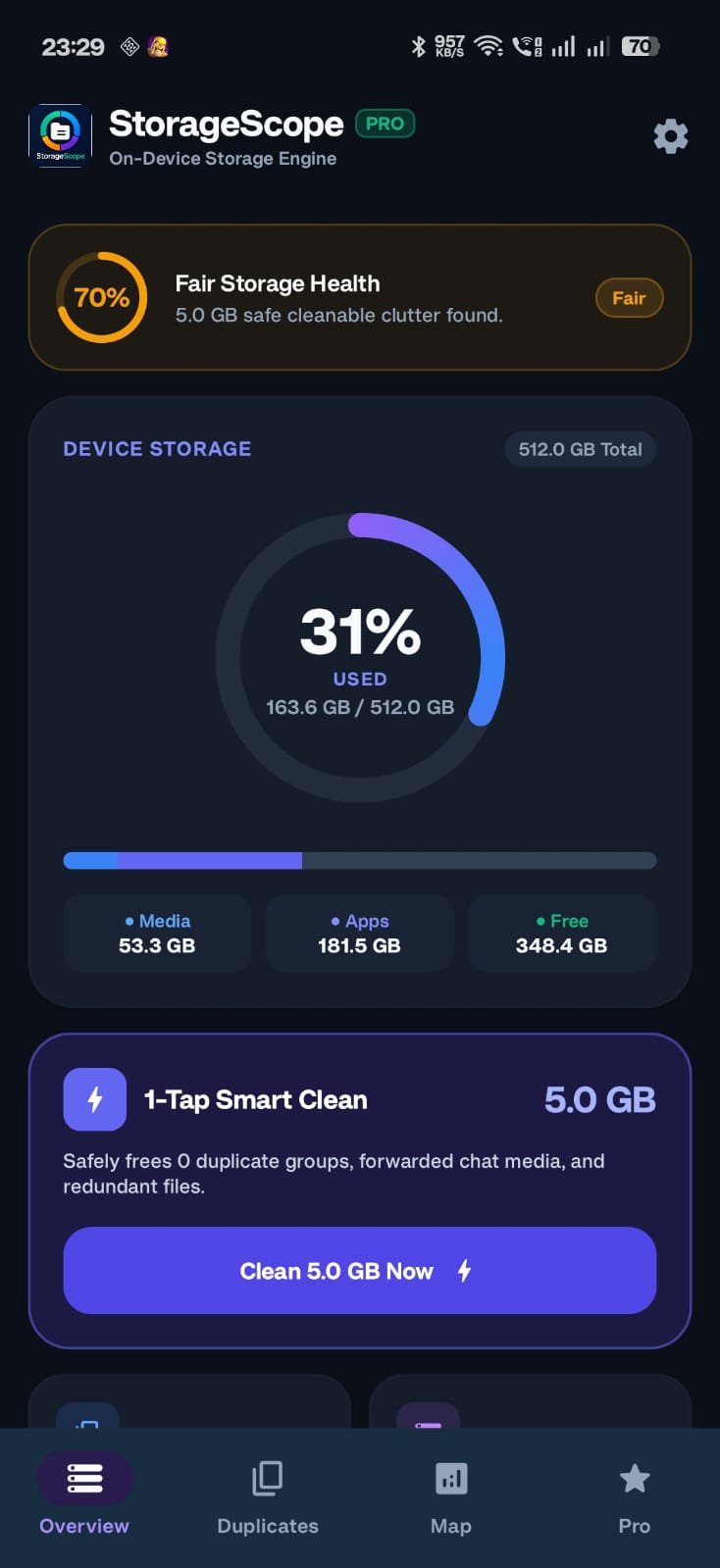
Storage Partition Health
Instant breakdown of system storage, accessible media, apps, and free space.
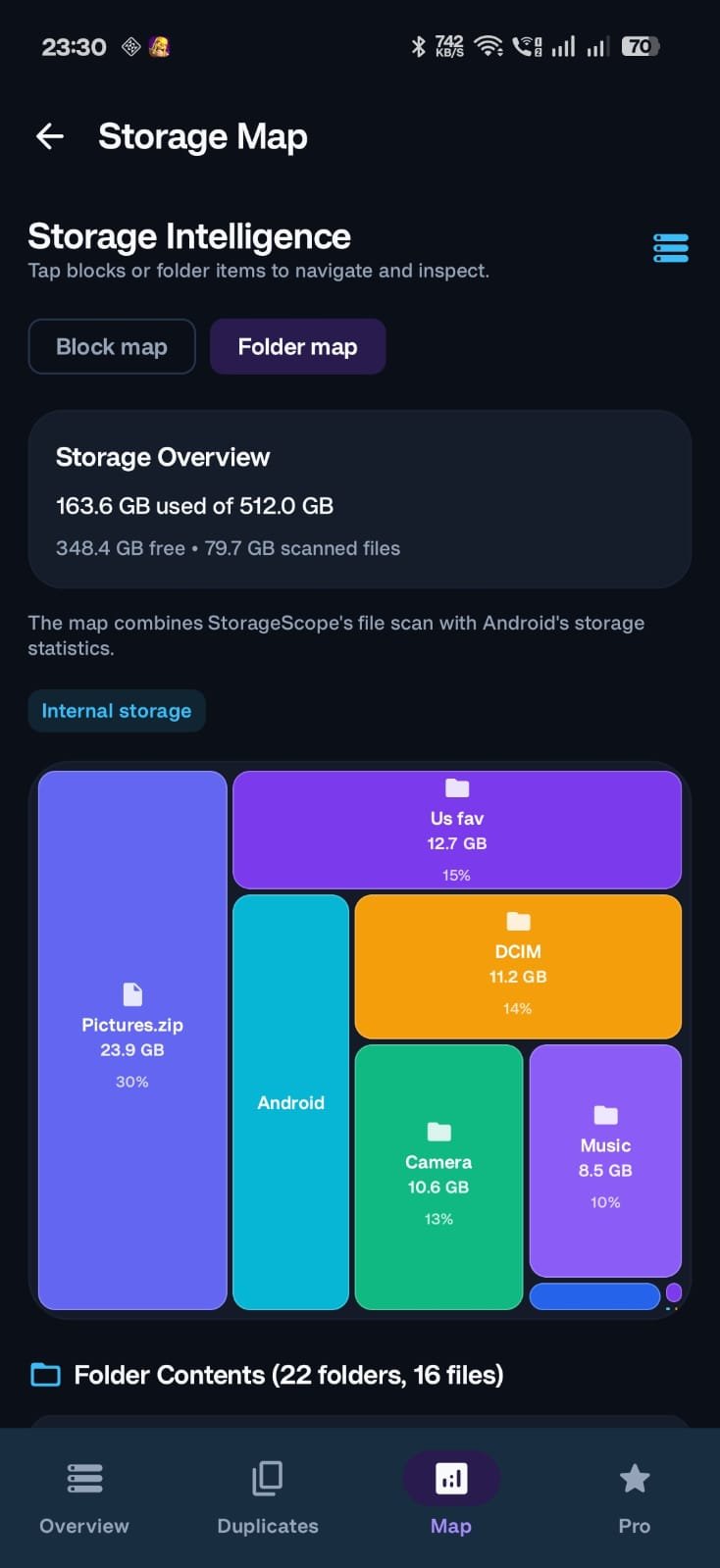
Interactive Storage Treemap
Proportional color-coded rectangles visualize exactly what folders occupy space.
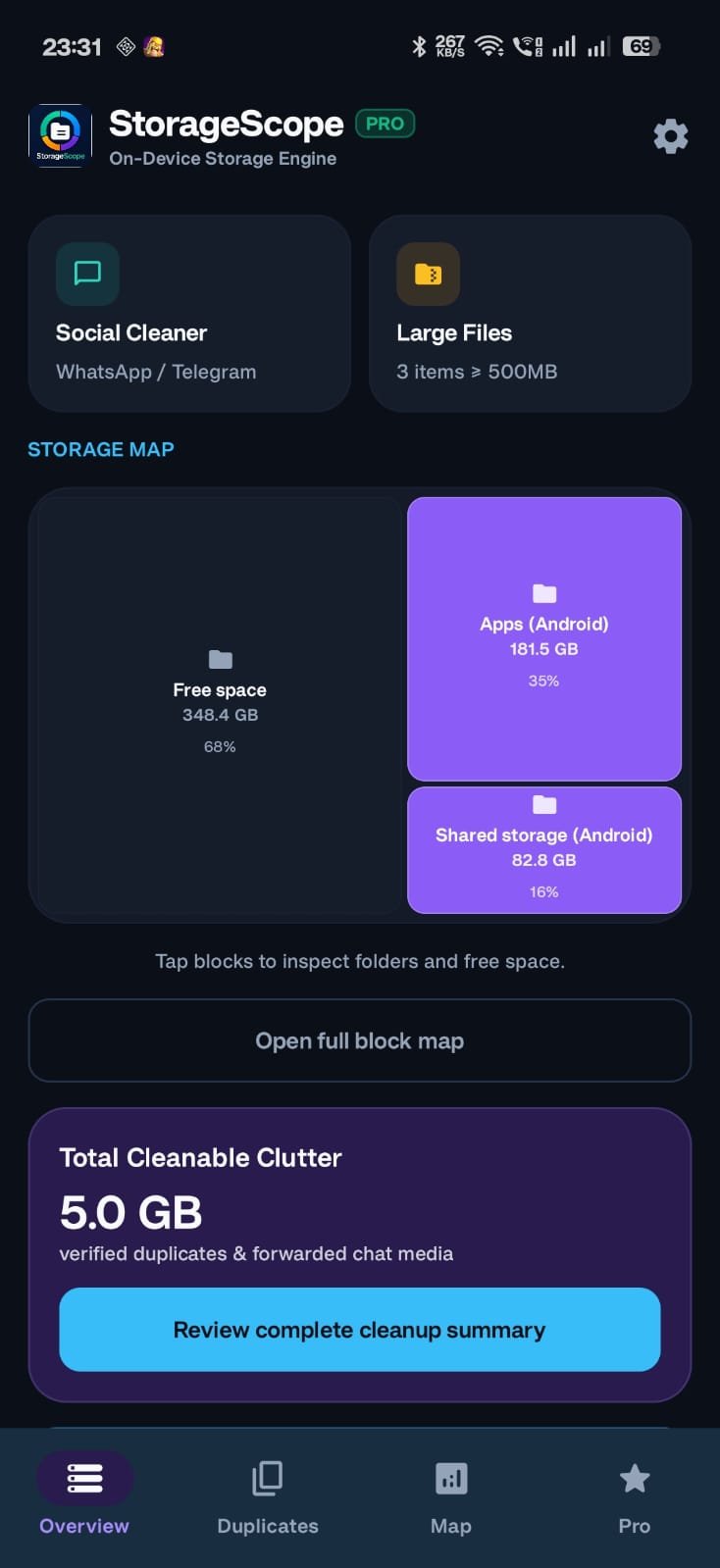
Category Breakdown
Sort and inspect accessible storage across videos, archives, APKs, and documents.
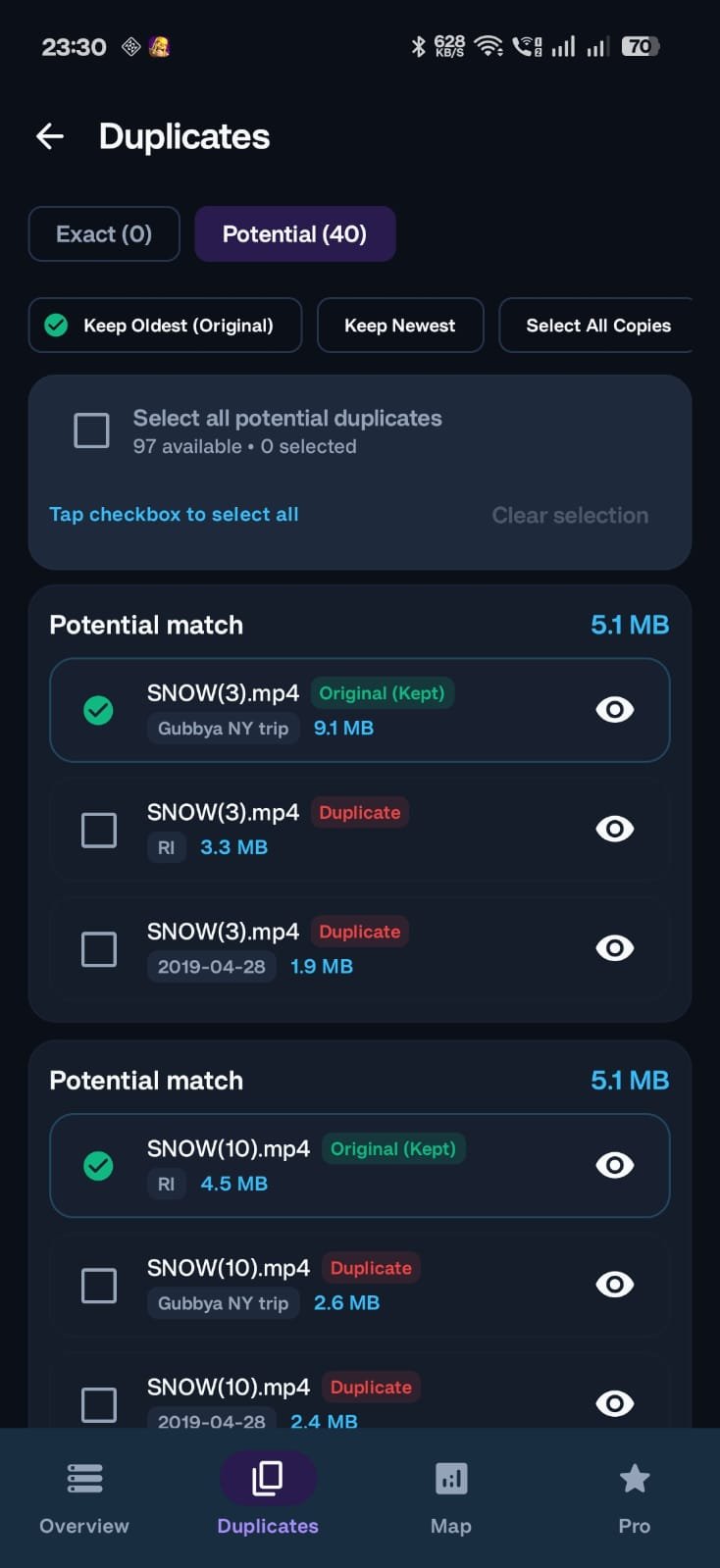
Duplicate File Finder
Identify identical files and safe-to-clean junk with zero cloud telemetry.
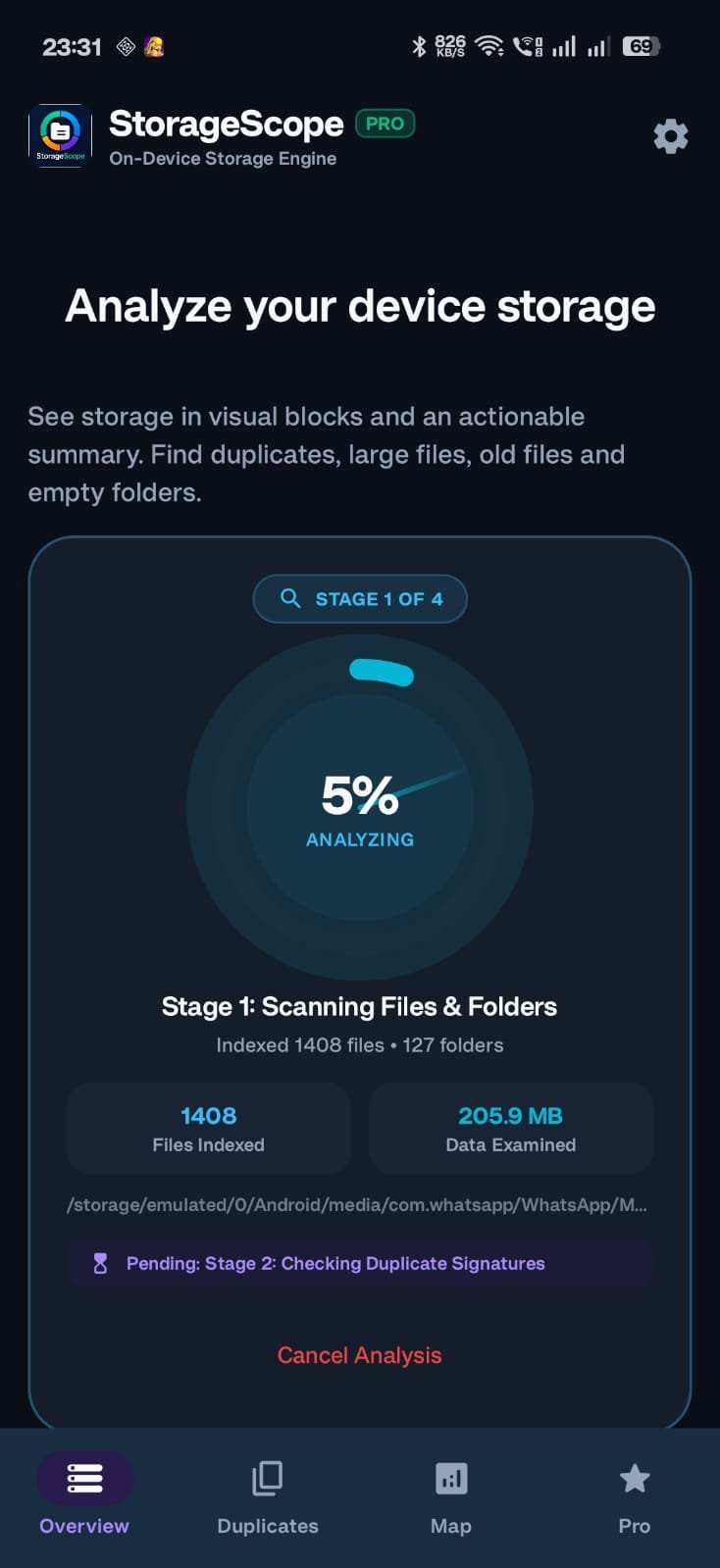
Deep Storage Inspector
Advanced folder recursion, empty folder discovery, and safe cleanup controls.
Everything you need to understand storage
A clean, drill-down view of accessible device storage.
Capacity, used and available space.
See storage distribution as readable blocks.
Drill into accessible folders and subfolders.
Identify files with matching content where supported.
Find likely matches without claiming certainty.
Surface storage-heavy files quickly.
Identify folders with no accessible content.
Preview supported media or open with compatible apps.
Review, select and delete eligible files with confirmation.
Return to the latest completed analysis.
A storage map that makes sense
The illustration is a design example. The Android app calculates actual values.
What the map tells you
Select a block to understand the category and open detailed analysis in the Android app.
Select a block to see its example details.
Duplicates
Separate exact duplicates from potential matches so users can review before removal.
Large files
Quickly find files consuming significant storage.
Folder insights
Drill down from a storage block into folders and accessible files.
Permissions & Android limitations
StorageScope should request only access needed for enabled features.
| Access | Purpose | Behavior |
|---|---|---|
| File/storage access | Analyze accessible files and folders. | Core scanning depends on access Android grants. |
| Usage Access | Improve Android-provided app-storage statistics where supported. | Optional; core scanning should continue without it. |
Protected folders: Android can restrict third-party apps from reading other applications' private data, including certain areas under Android/data and Android/obb.
Privacy first
Core storage analysis is designed to run locally on the device.
Local analysis
Scanning and file analysis are designed to occur locally. Merely scanning a file does not mean its contents are uploaded to BuyWiseHub.
Storage information
The app may process accessible file names, paths, sizes, dates, types and folder structure to provide storage insights.
Optional special access
Usage Access may provide additional application-level statistics on supported devices. It is optional.
Scan history
The latest completed scan may be retained locally for a limited period so users can return without immediately rescanning.
Support & FAQ
Need help? contact@buywisehub.in
Why does StorageScope differ from Android Settings?
Android includes system-managed and protected areas that third-party apps cannot always enumerate.
Why can't some Android folders be opened?
Android restricts access to certain application-private and protected directories.
What is a potential duplicate?
A file that appears similar using available attributes. It is not guaranteed to be an exact duplicate.
Does StorageScope automatically delete files?
Cleanup should require explicit user action and confirmation.
Can I use StorageScope offline?
The core storage analysis is designed to work without an internet connection.